Some sections of this page use scroll-driven animation. Reduce-motion preferences are respected: when enabled, animations are minimized.
What we shipped this spring to make running your bike shop easier, faster, and more profitable.
A new way to run your shop.
We didn't refresh it. We rebuilt it. Every feature in this drop ships together — Staff Notifications, Experiences, Catalog Management, and Order Views for your team, plus a new Help Center, Pre-Orders, Checkout v2, and Search for your shoppers.
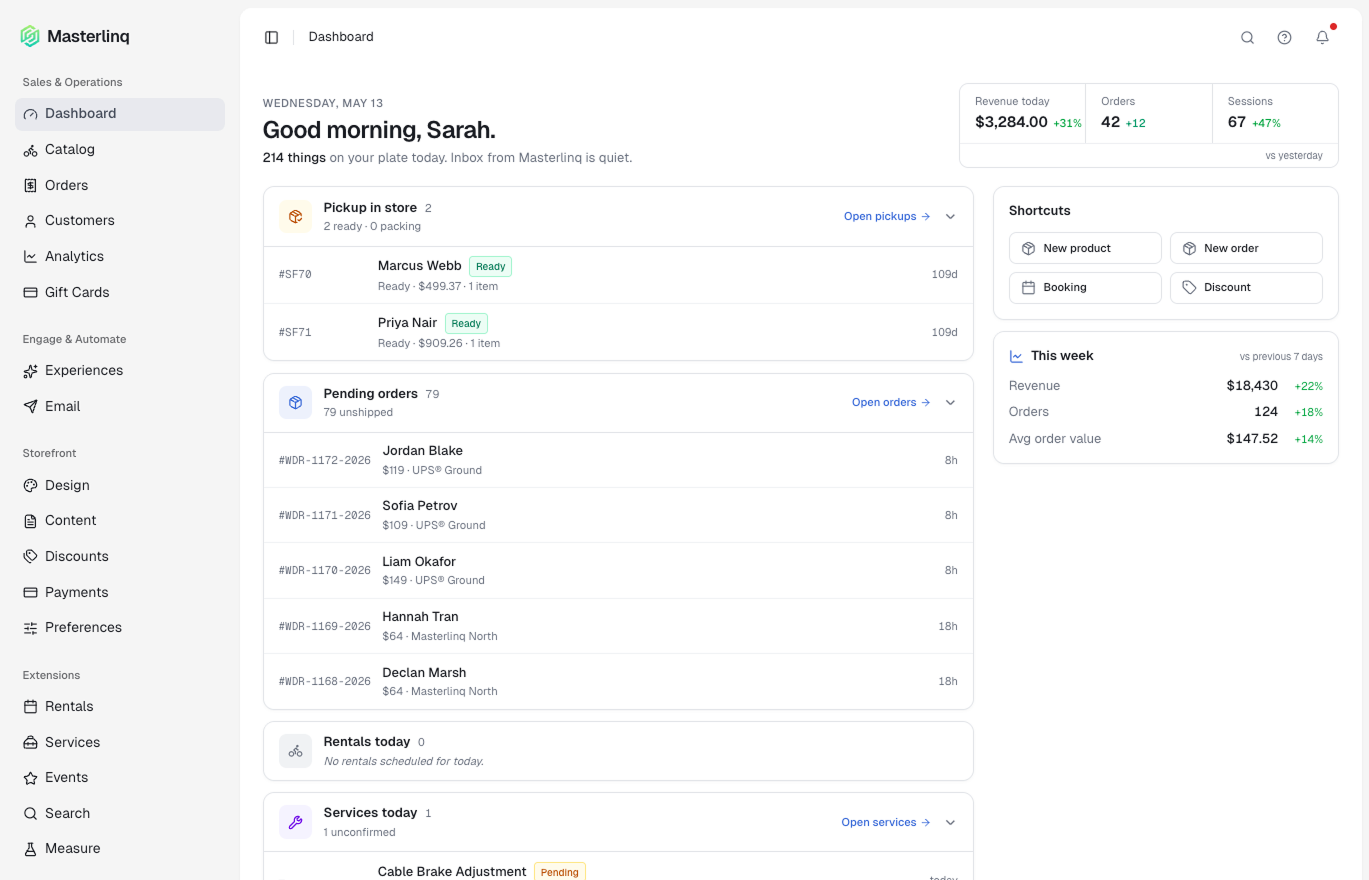
Your day, in one view.
Your team used to start the day by opening five tabs. Now they open one. The Dashboard surfaces the work that needs doing today — and quietly hides everything that doesn't.
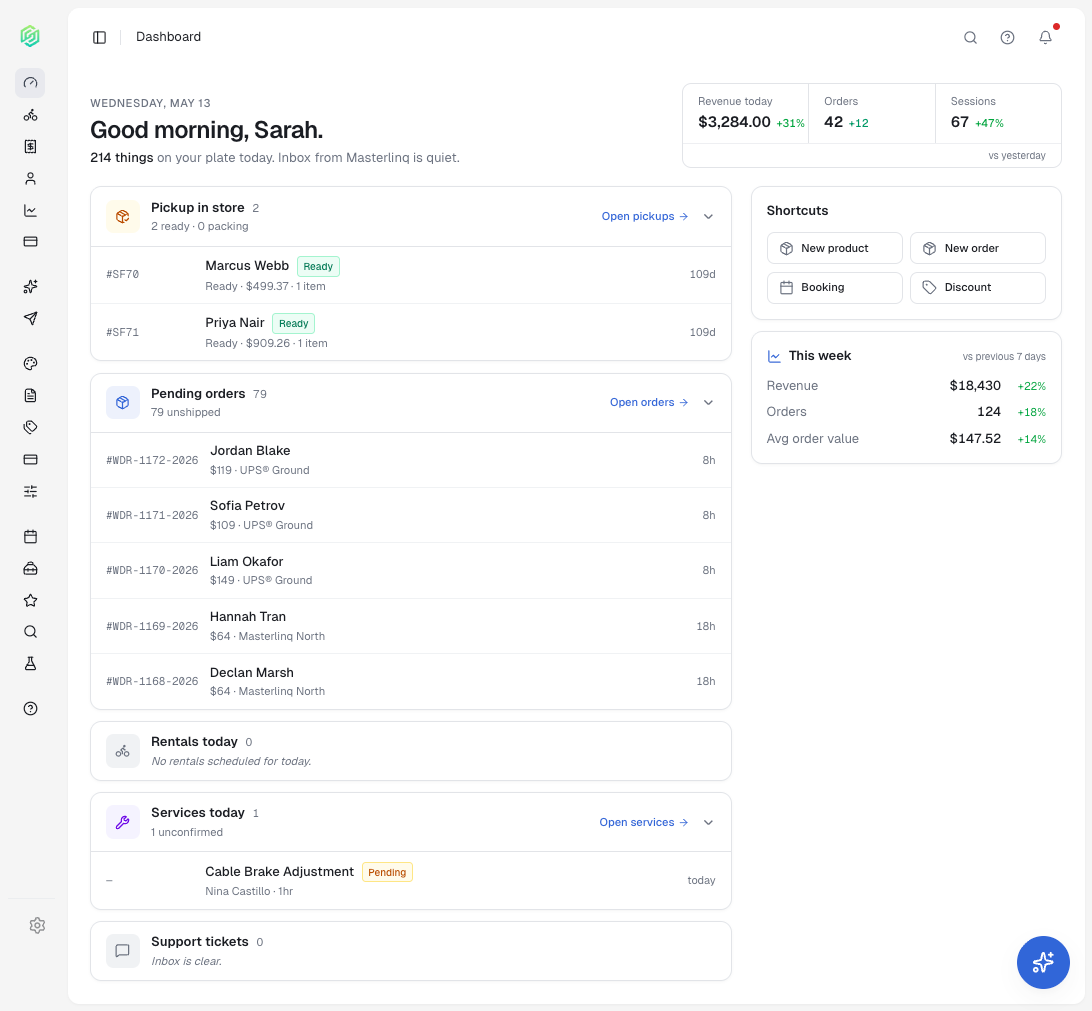
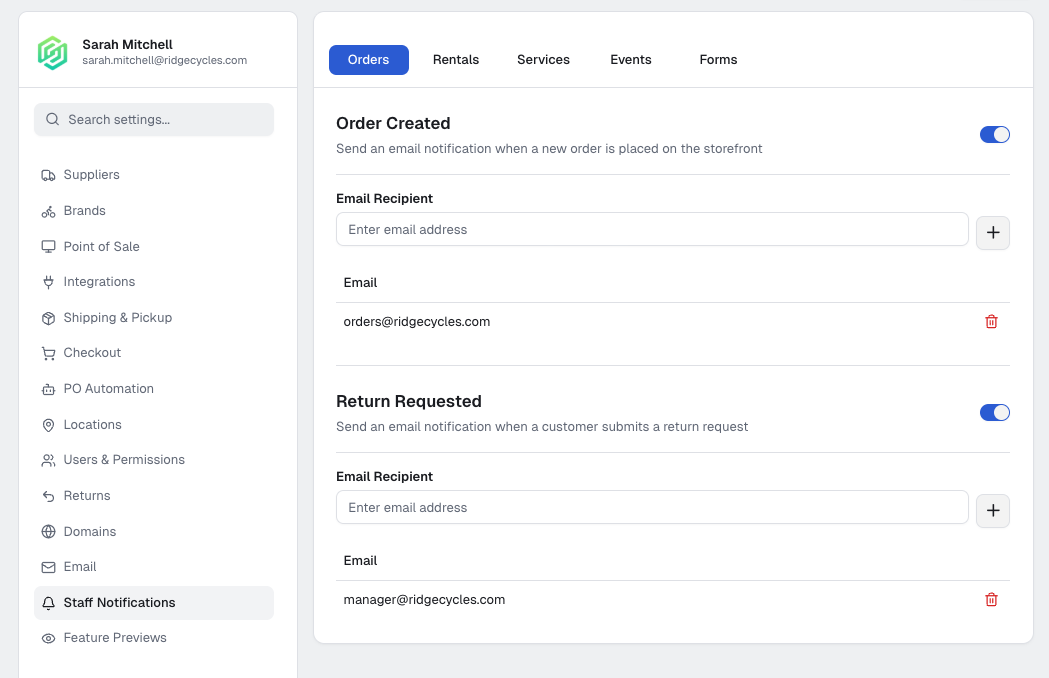
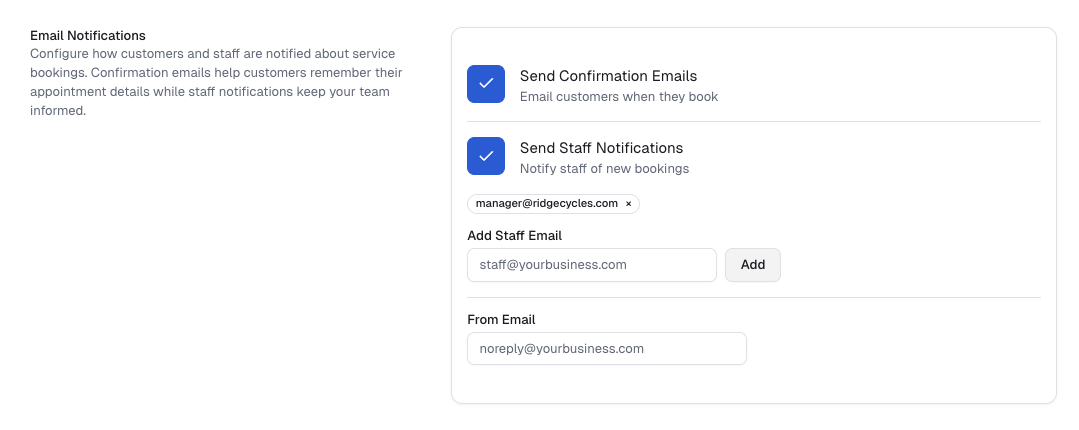
Right person. Right message. Right time.
Information moves itself. Service knows about a booking the moment it lands. Fulfillment sees the order before the inbox does. No reply-all chains, no "did you see this?" — just the right work landing where it belongs.
Composable workflows. Endless possibilities.
Three ingredients let your storefront do almost anything: a trigger, a condition, an action. No code. Just the rules your shop already runs on — running themselves.
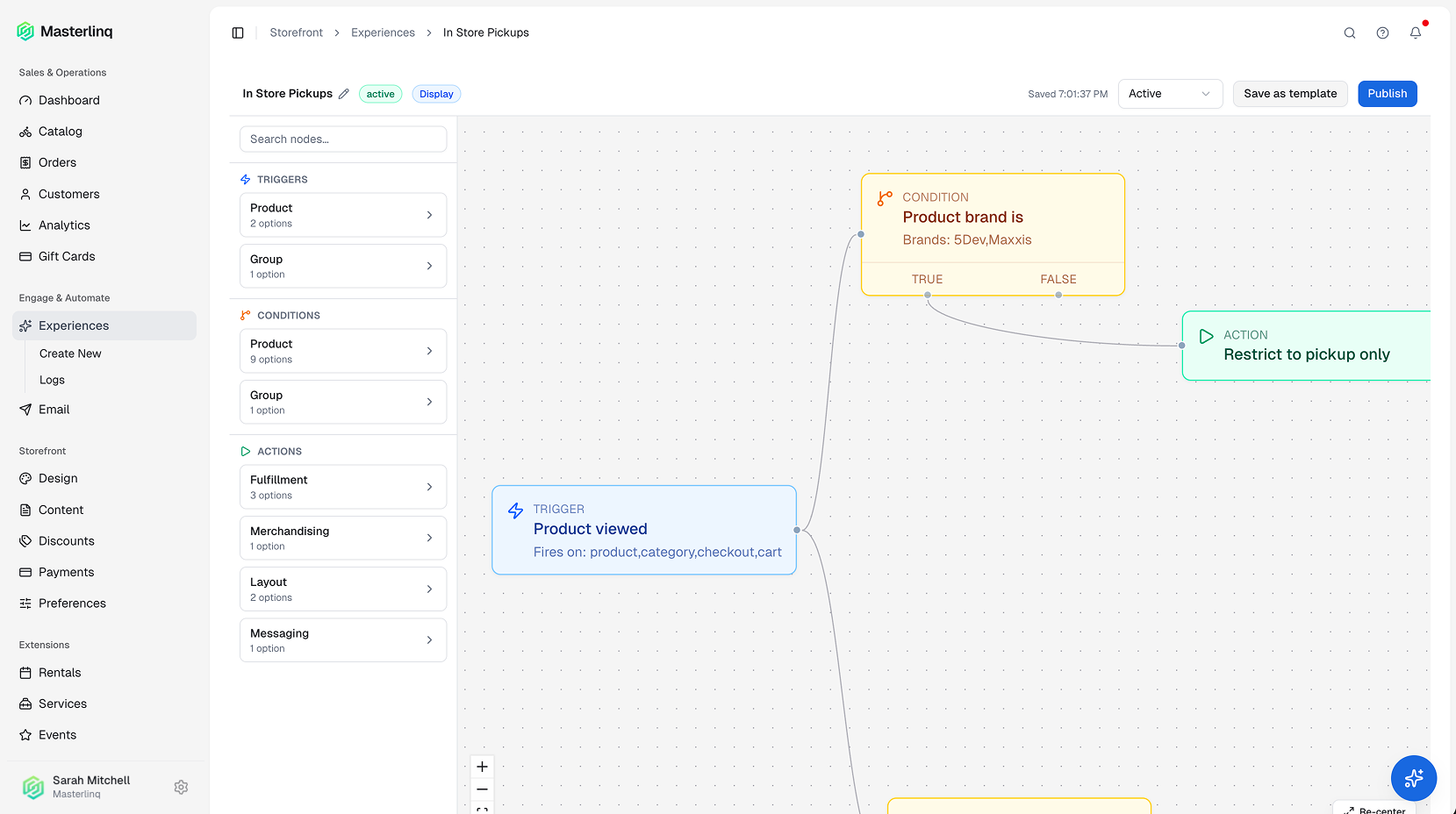
Compose, don't code.
Pick a trigger. Layer the conditions. Chain the actions. Each Experience is a small piece of logic that fires the moment something happens in your storefront.
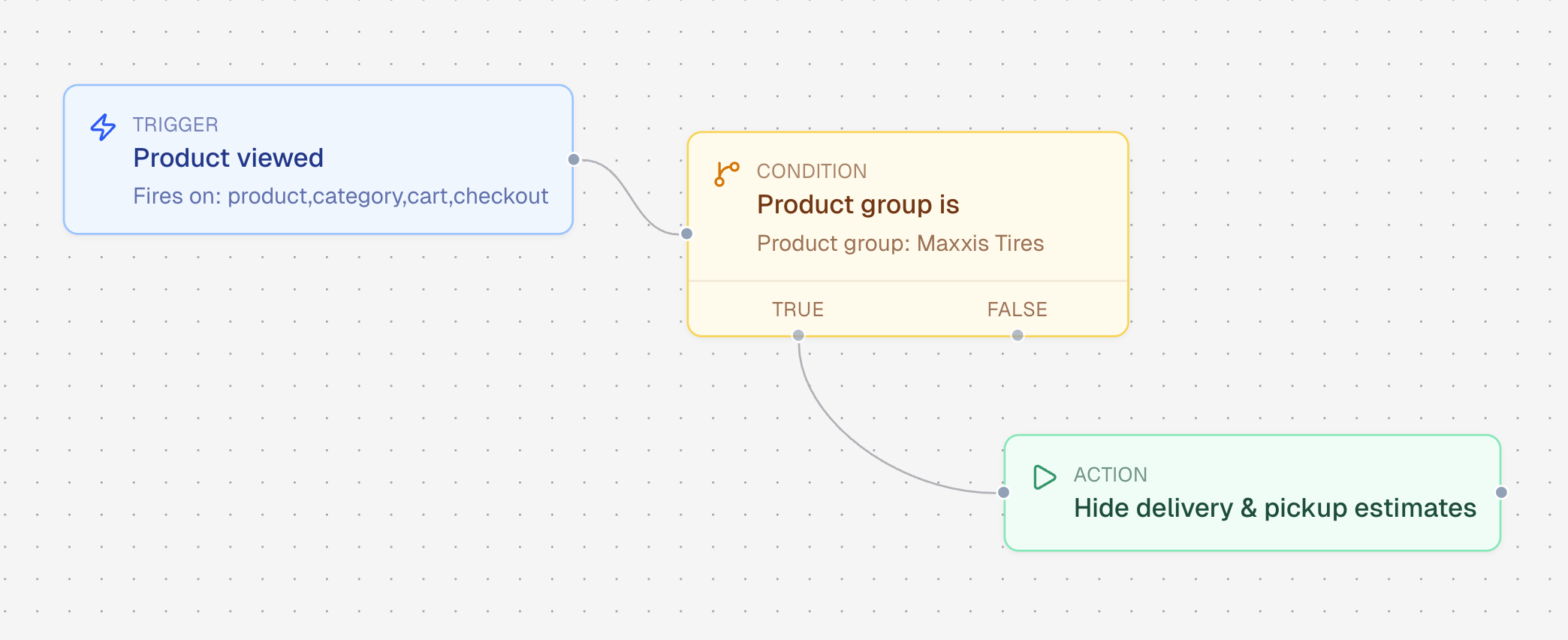
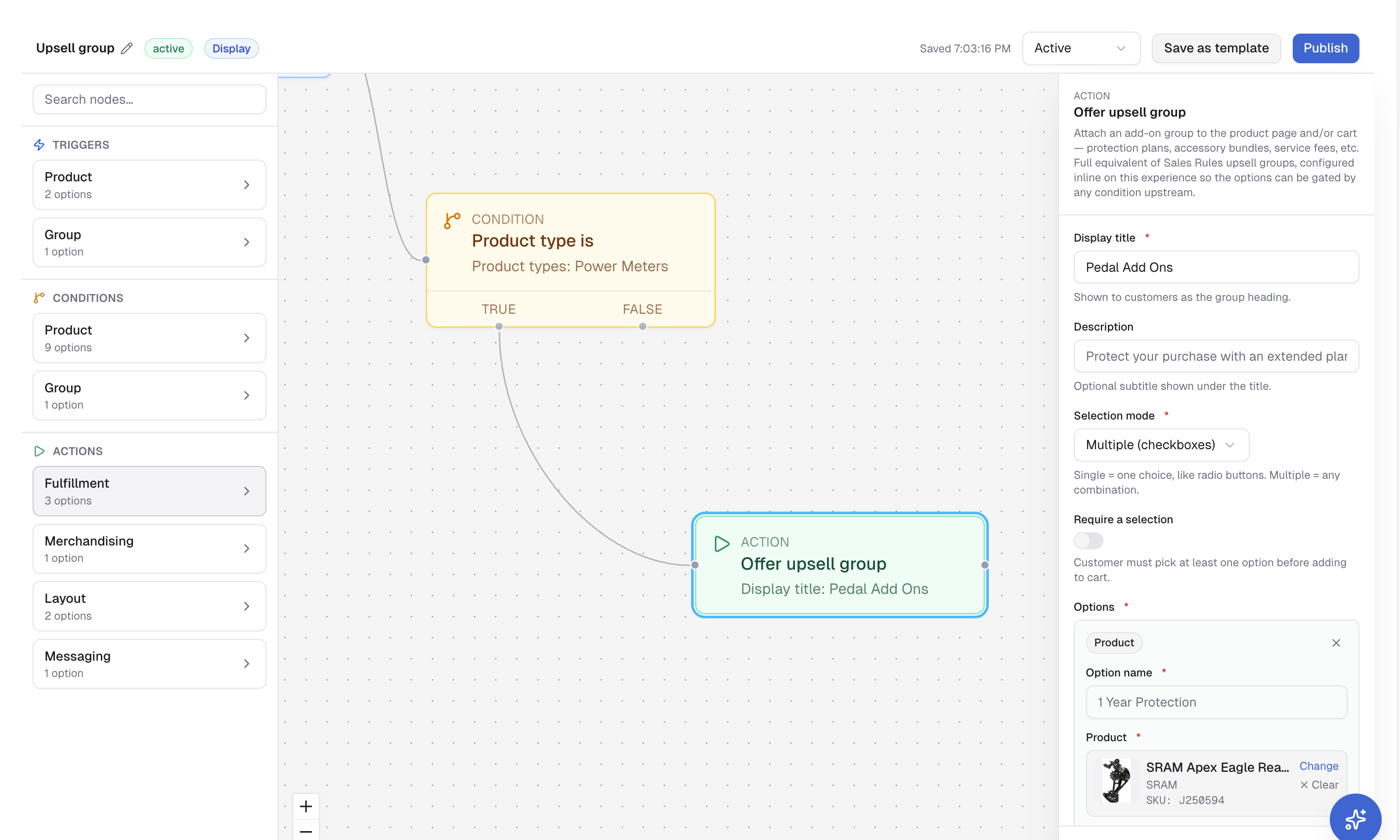
Upsell groups that lift basket size. Pickup rules that keep your team sane. Risk logic that catches fraud before it ships. The patterns your shop already runs on — automated, in the background, every time.
Your catalog, finally at hand.
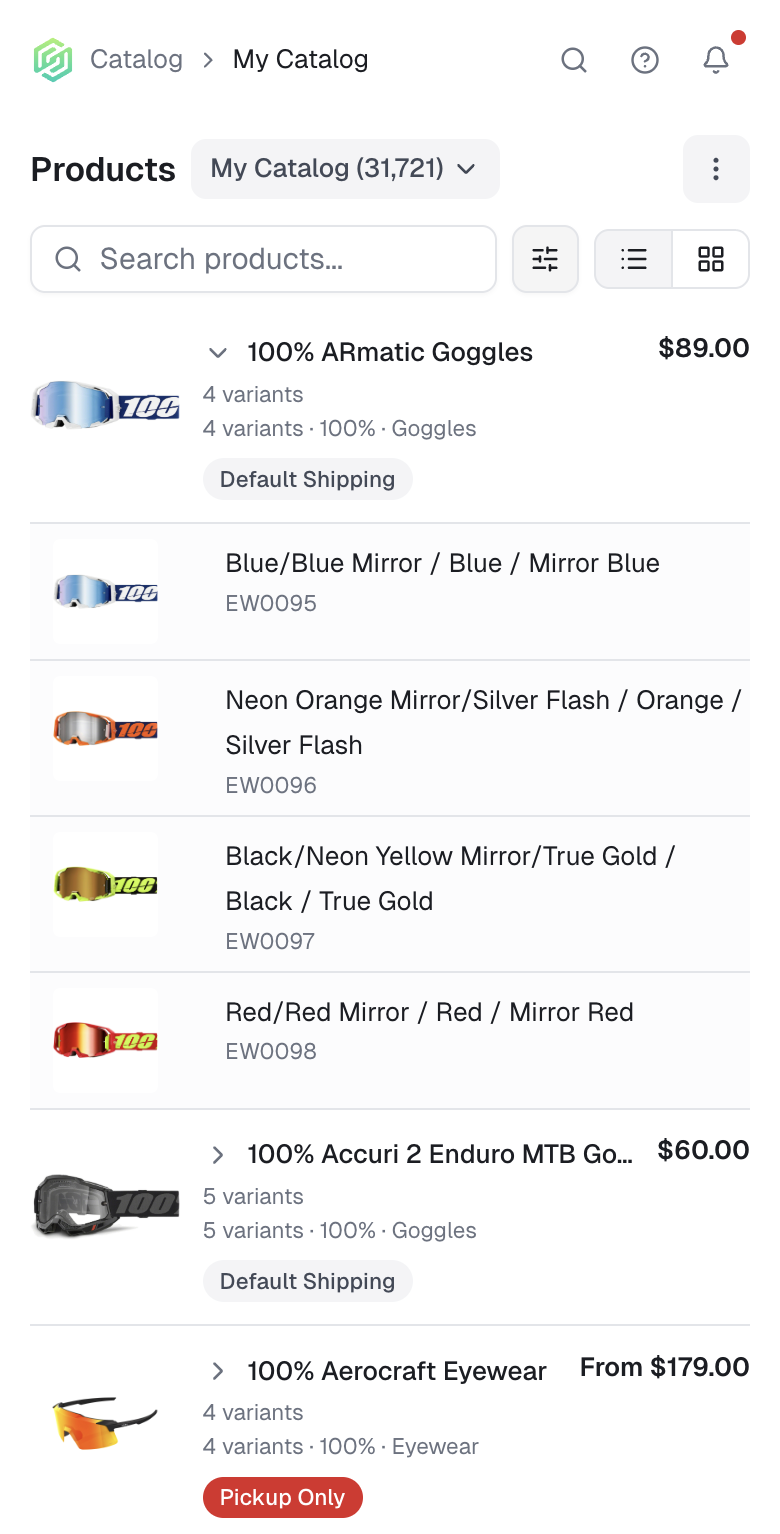
The catalog used to read like a spreadsheet. The new card view lets you browse it like a store — visual, scannable, easy to spot what's working. The list view is one click away whenever you need it.
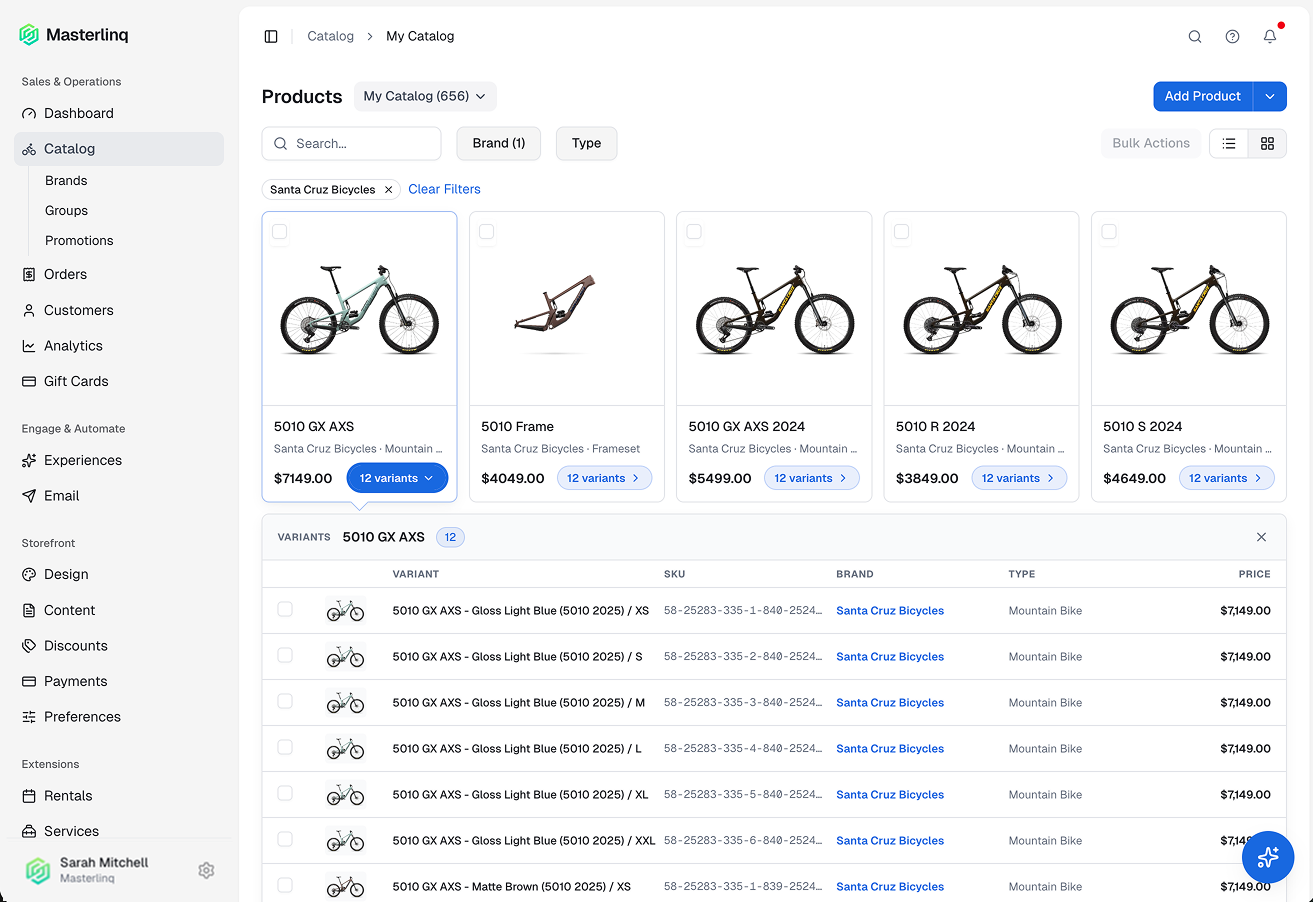
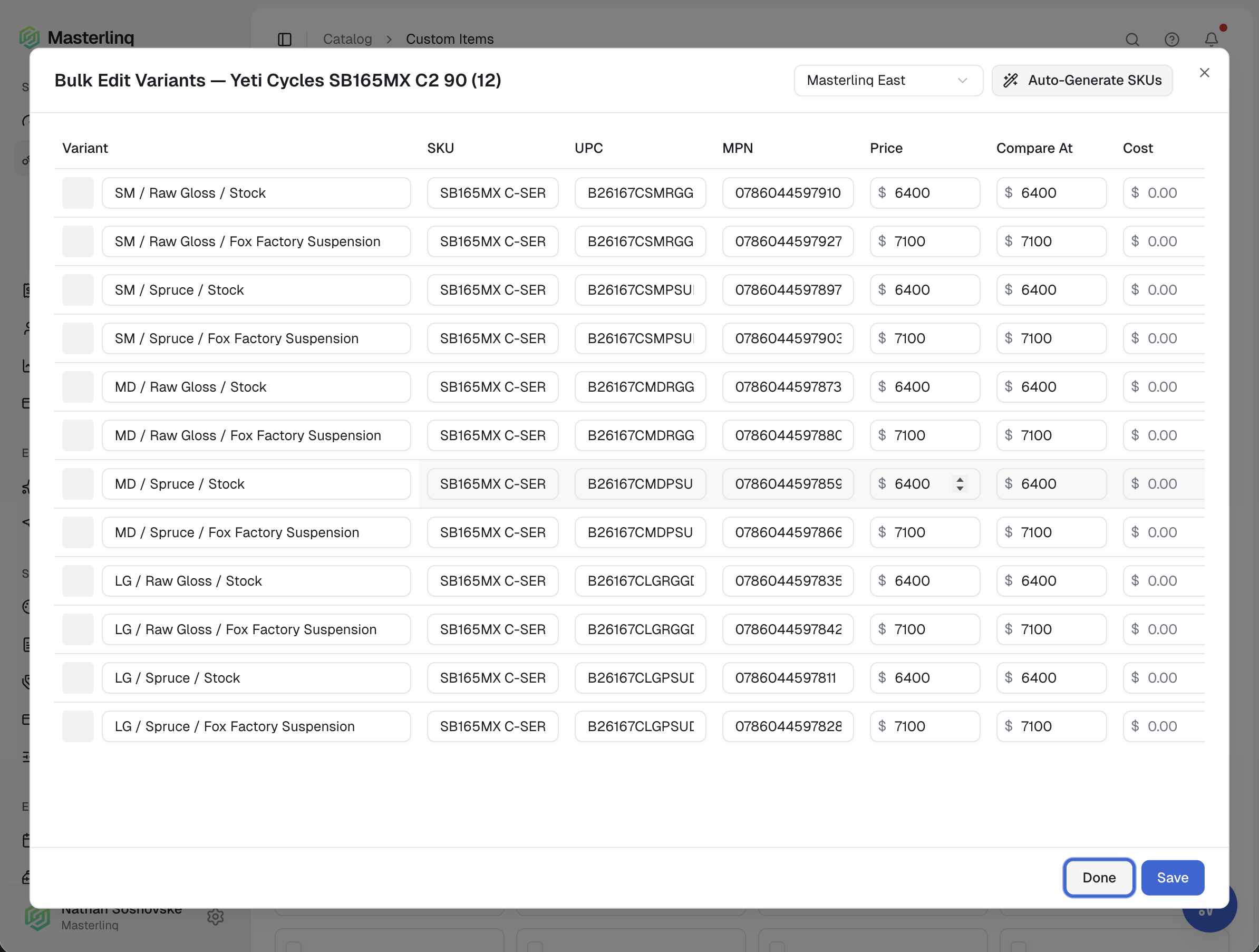
Big catalogs with lots of variants used to be a wall of near-duplicate rows. Not anymore. The list collapses into something readable, edits scale across thousands of SKUs at a time, and the custom items your shop builds itself get a proper editor of their own.
Faster orders. More context.
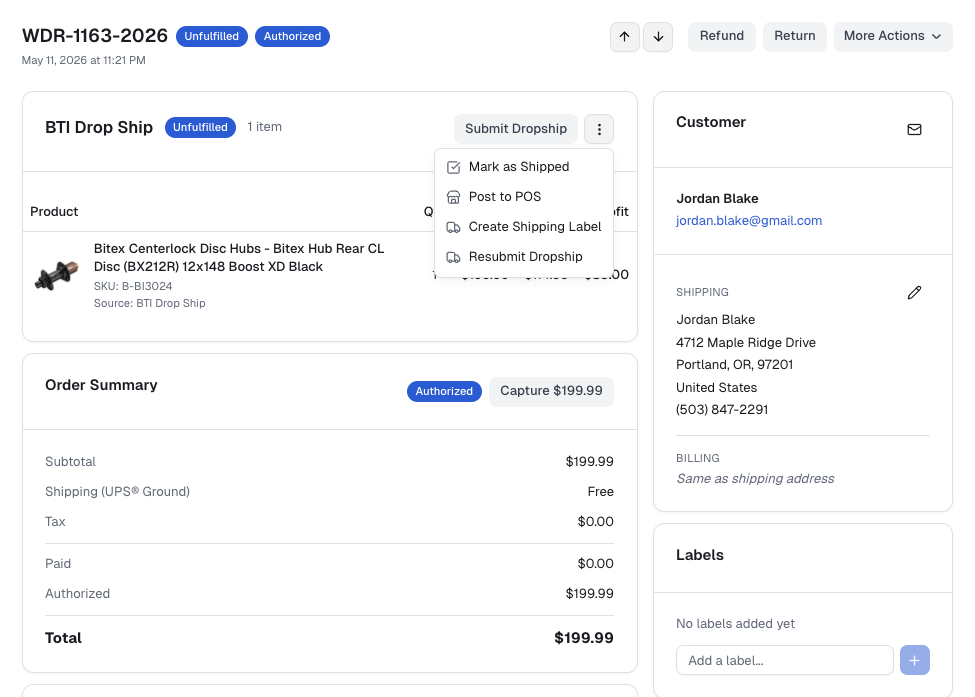
The orders page is where the day actually moves. Locations. Types. Statuses. Easier to navigate, easier to act on, easier to know what's happening — without bouncing between tabs or wondering if a supplier ever confirmed.
Answers, before the question.
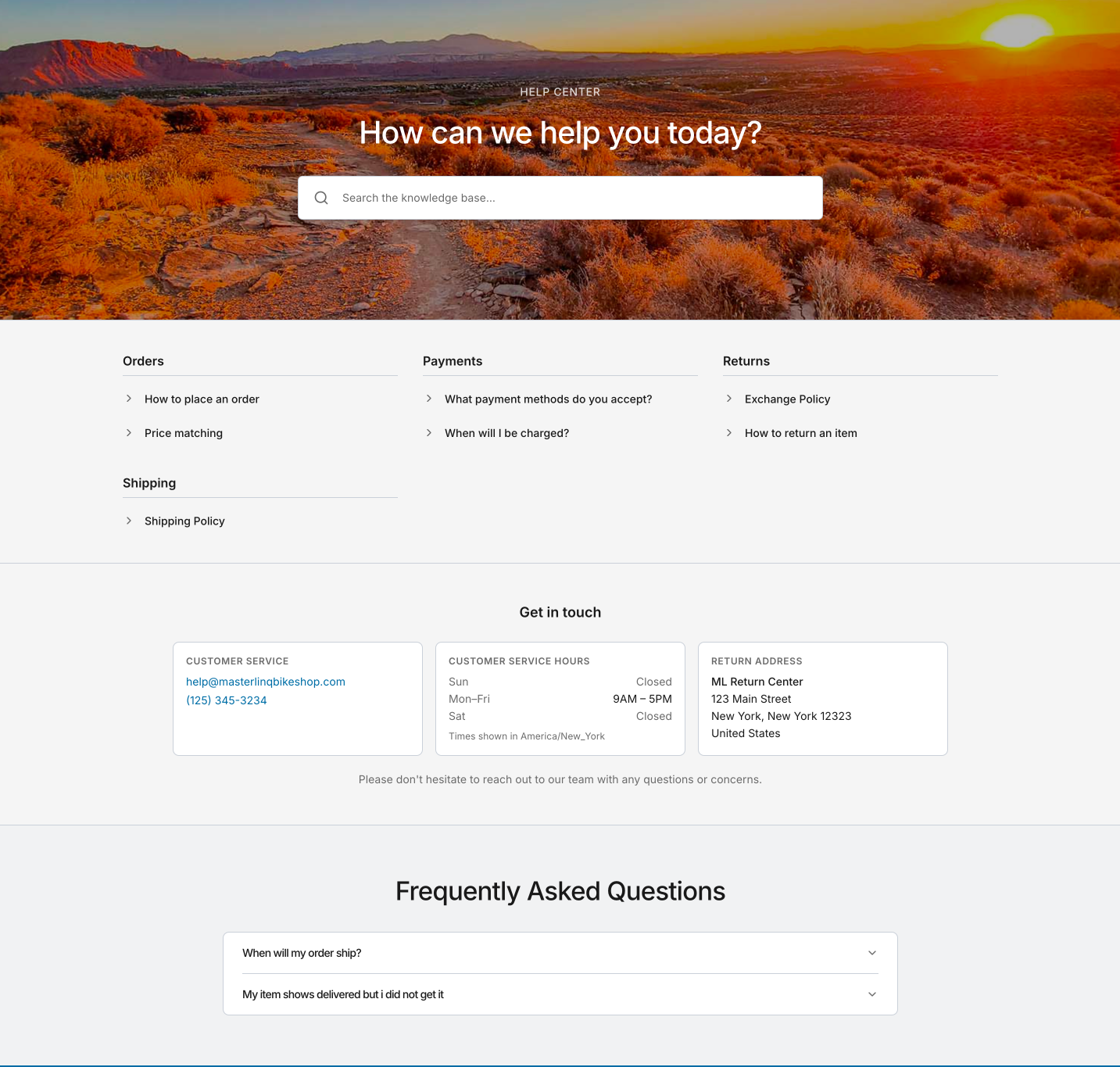
Build a help center inside your storefront experience. Articles, FAQs, organized the way your shoppers think — browseable and searchable from anywhere on the shop.
Demand, before delivery.
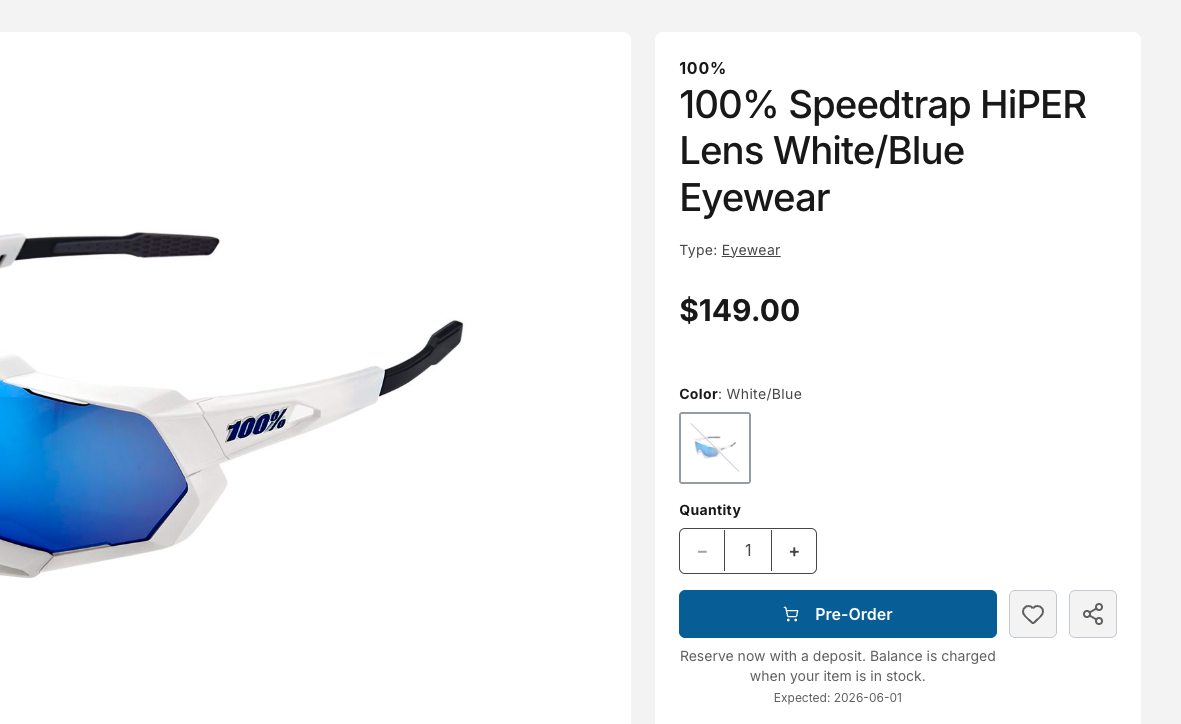
Open pre-orders on inbound product. Build excitement. Capture interest — long before the stock hits your shop floor.
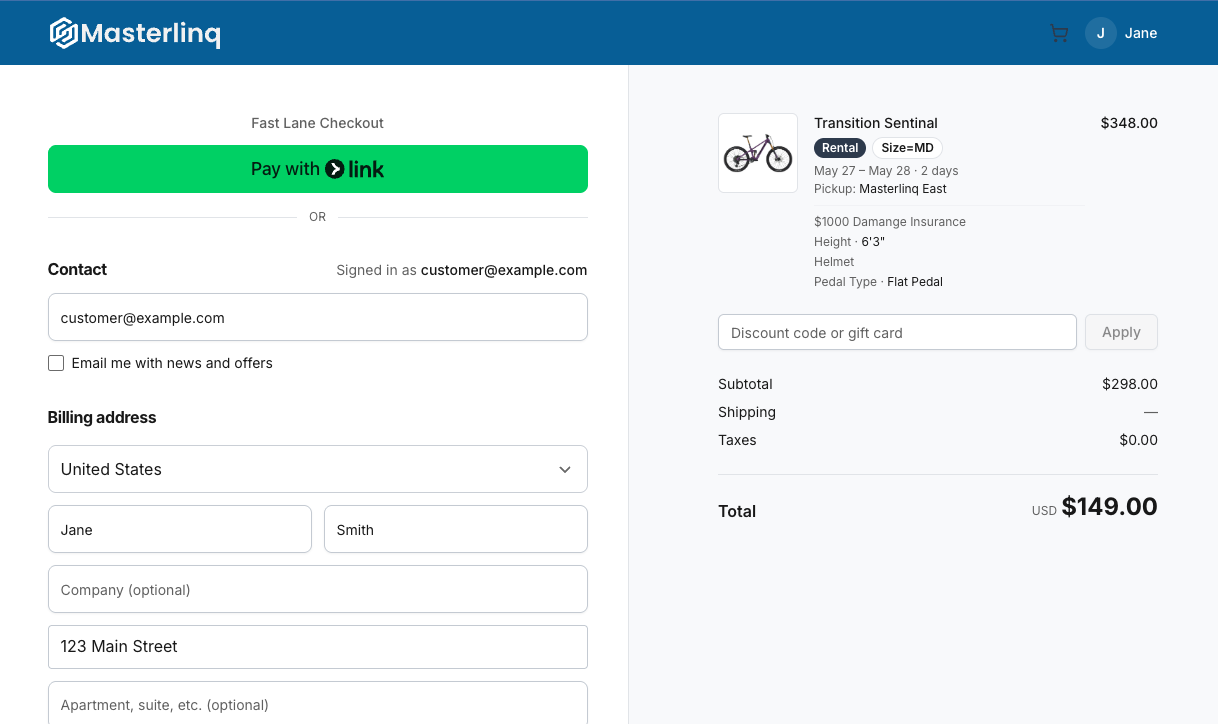
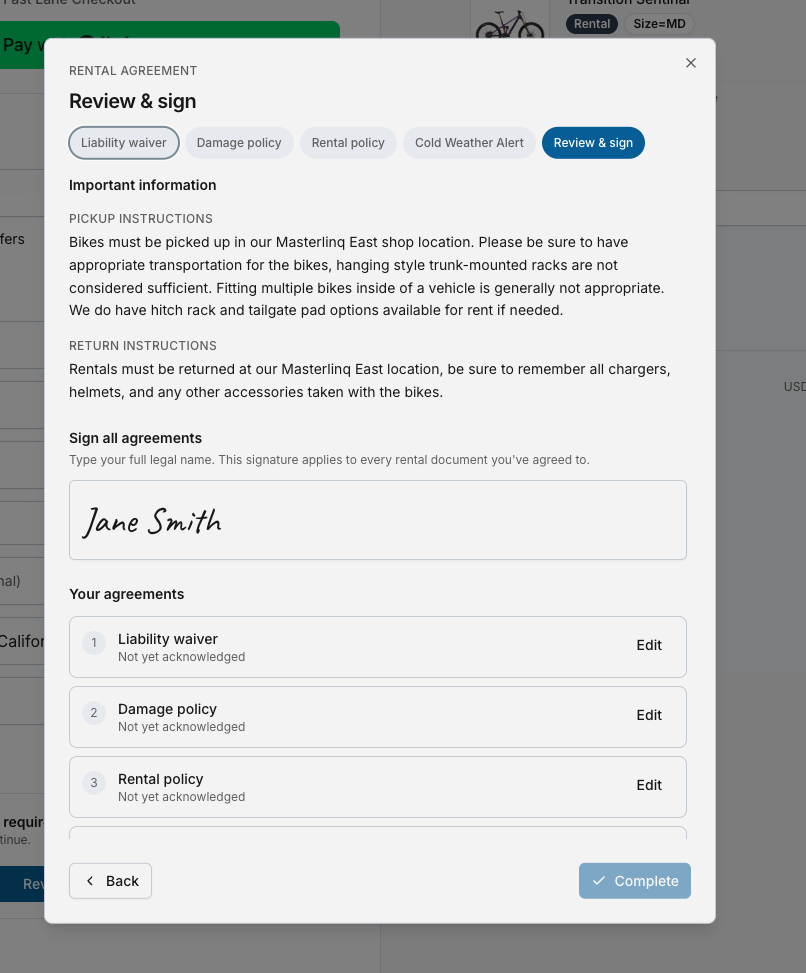
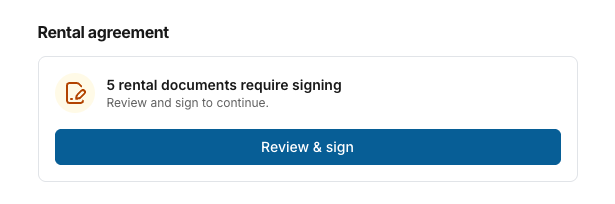
A checkout, reimagined.
Streamlined and built for conversion. The new checkout guides shoppers through their purchase with the context, confidence, and tools to check out fast.
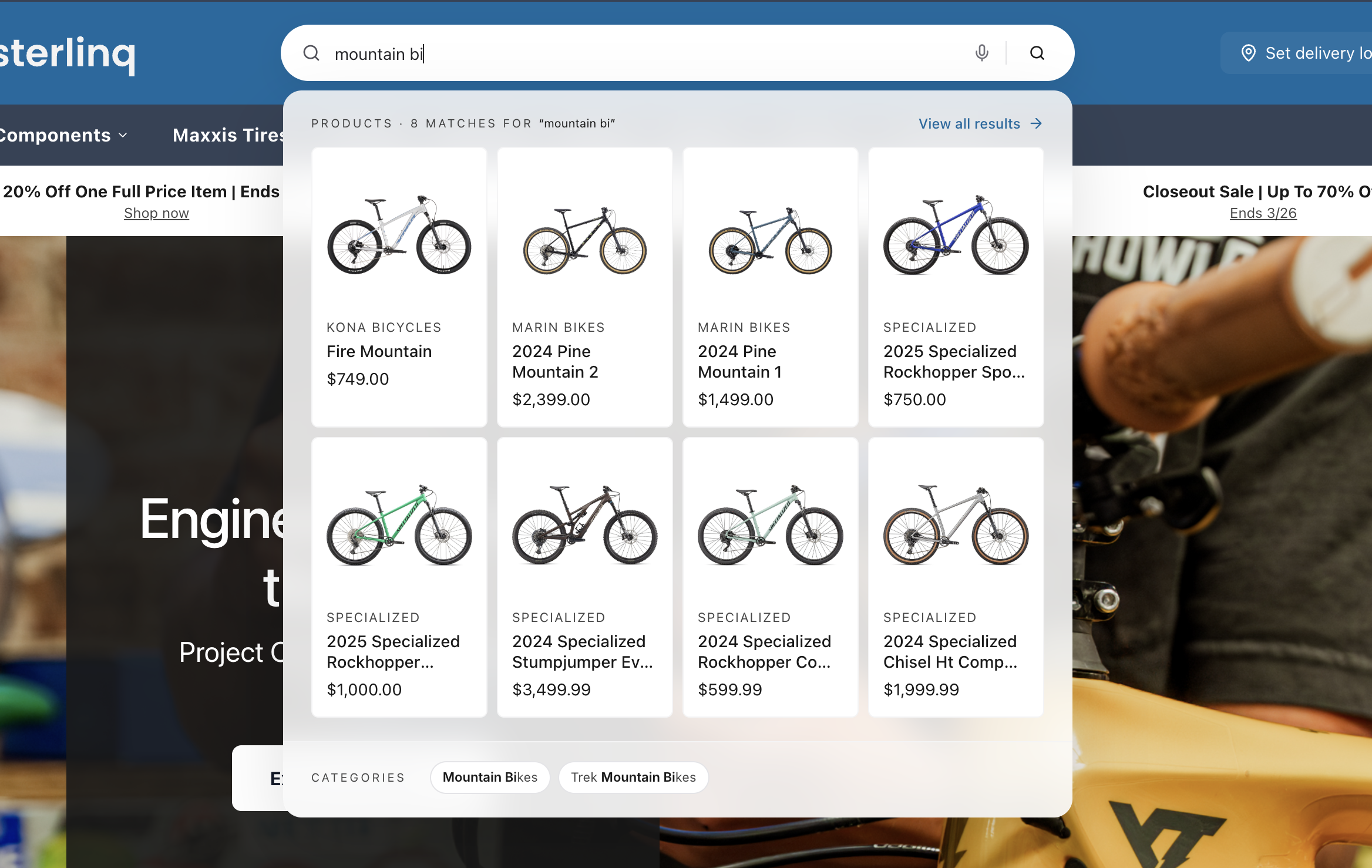
Find what they mean.
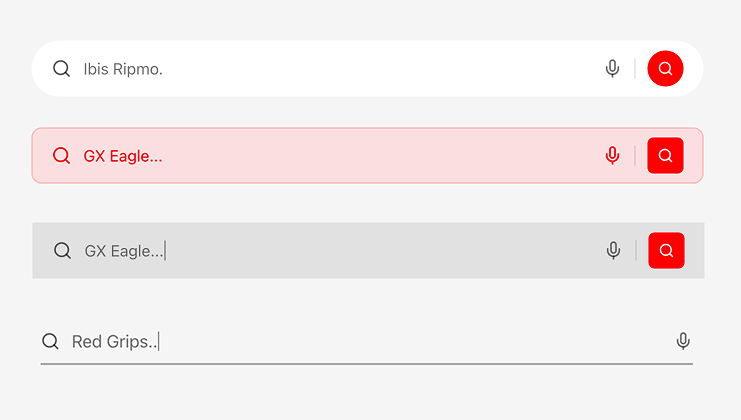
Search that knows what your shopper meant, even when they didn't quite type it. And when they go to use it, it finally looks like part of your shop — not a generic widget bolted on top.
What's next
New features land all the time. Bookmark The Drop and check back, or reach out and we'll show you what's coming next.
Get started free, or schedule a walkthrough with our team.