

Beyond the Theme
Studio doesn’t hand you a catalog of premium themes to pick from. It builds your storefront in real time around your shop, your riders and your customers, and keeps building as you grow.
Past Picking a Theme
Most platforms sell you a theme. You pick one, then spend months bending your shop to fit it, and so does every other shop that bought it. Studio works the other way. It starts from your brand and how your shop actually sells, then builds pages, sections and components to match. Describe what you want and the agent writes it into your theme.
“If you can think it, you can build it.”
Design Without Limits
Studio is a different kind of editor. You see the whole store, change anything on it, and ask for what the settings don’t cover.
Every Page
on One Board
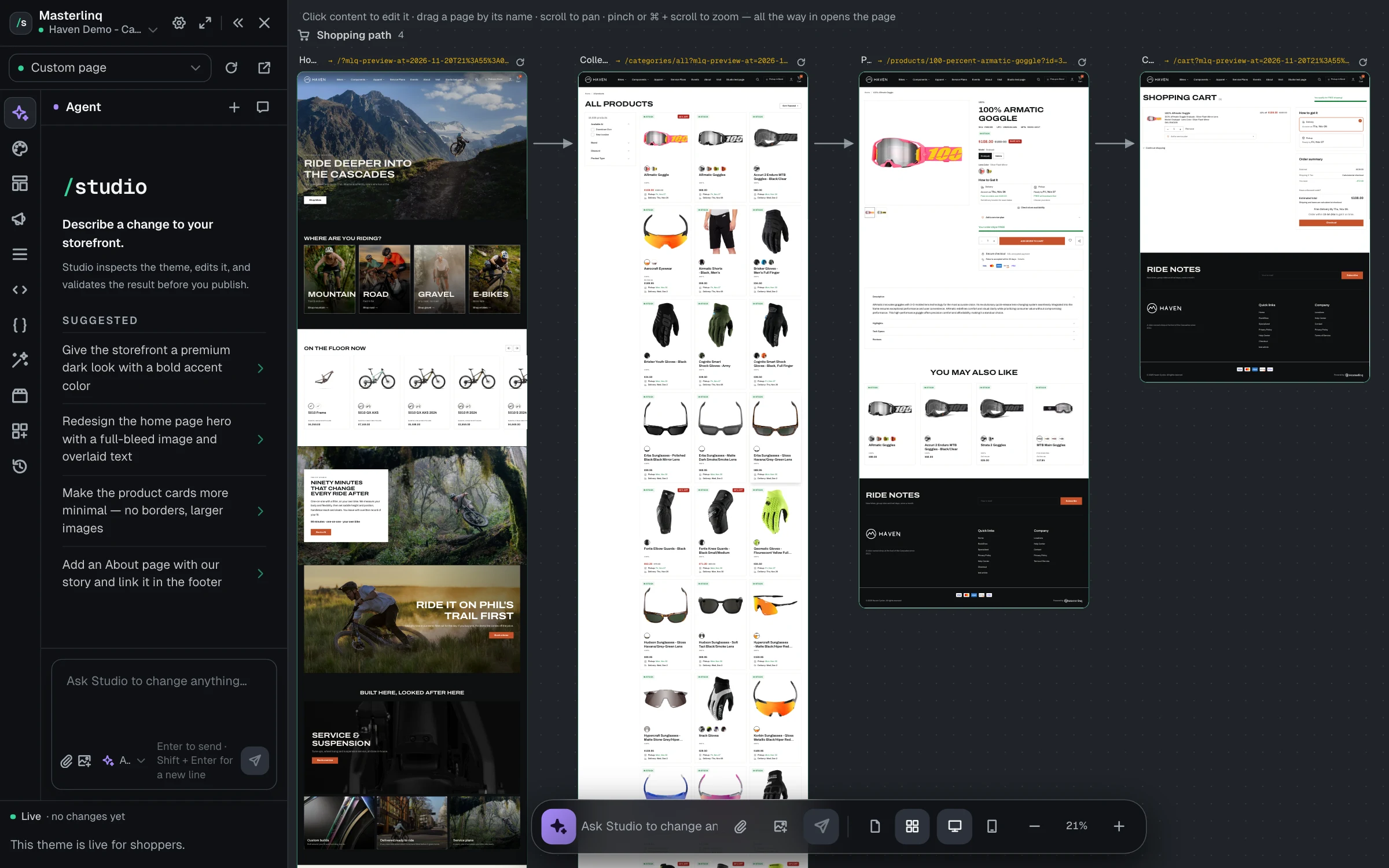
Canvas view lays out your whole storefront, starting with the shopping path from home page to cart.
Build With AI
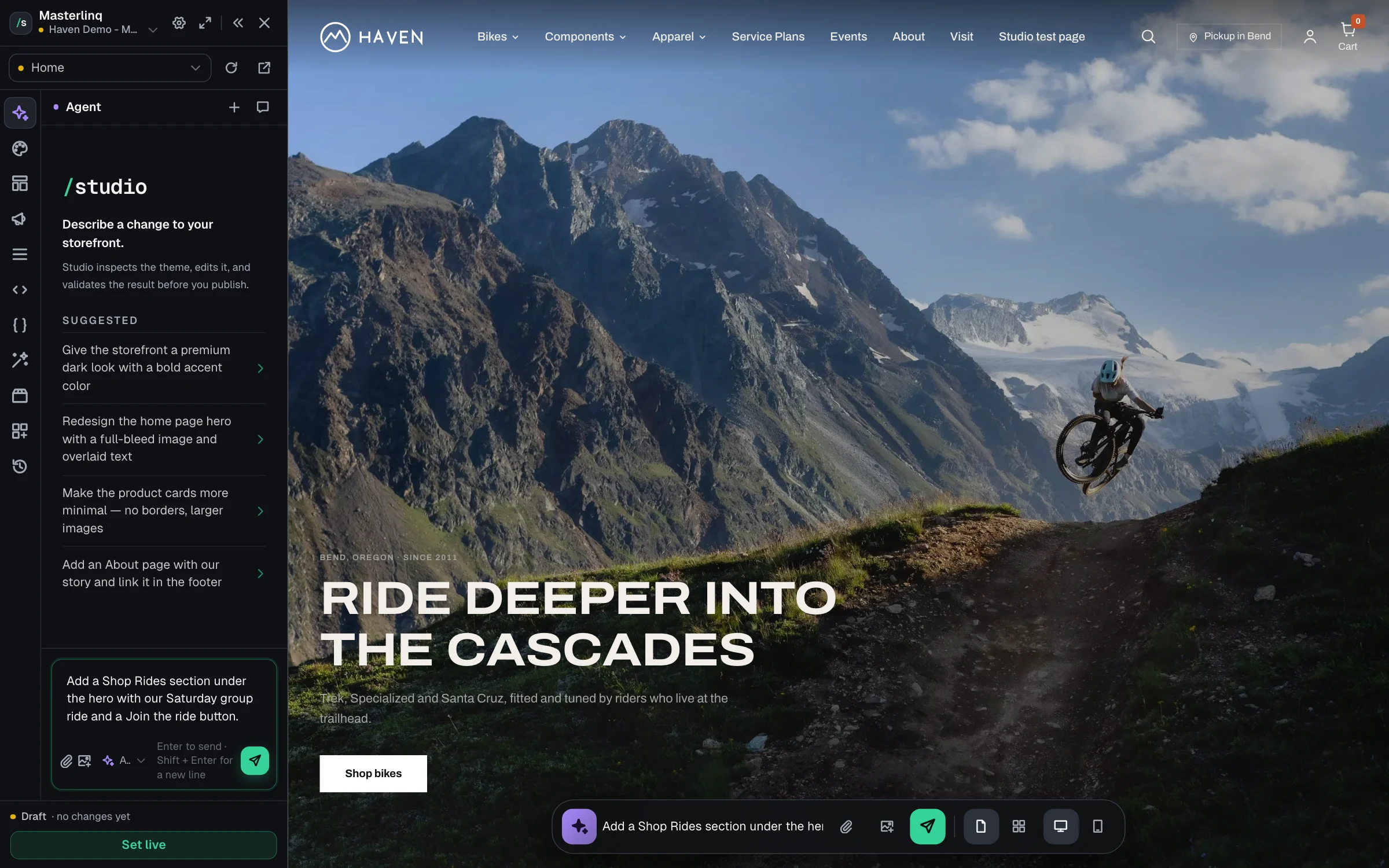
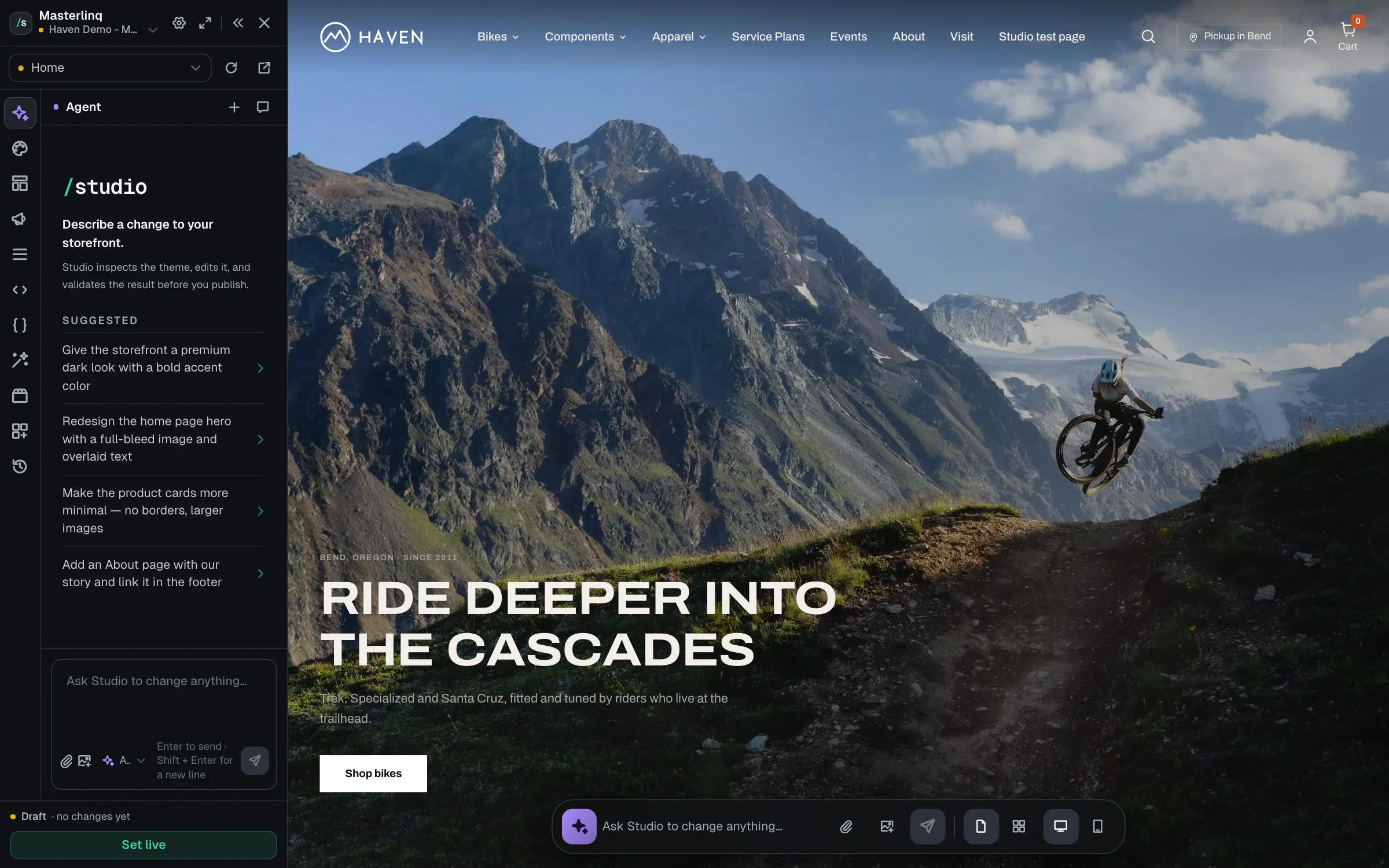
Ask for a new section, a new component or a change to how a page works. Keep it or revert it.
One Design System
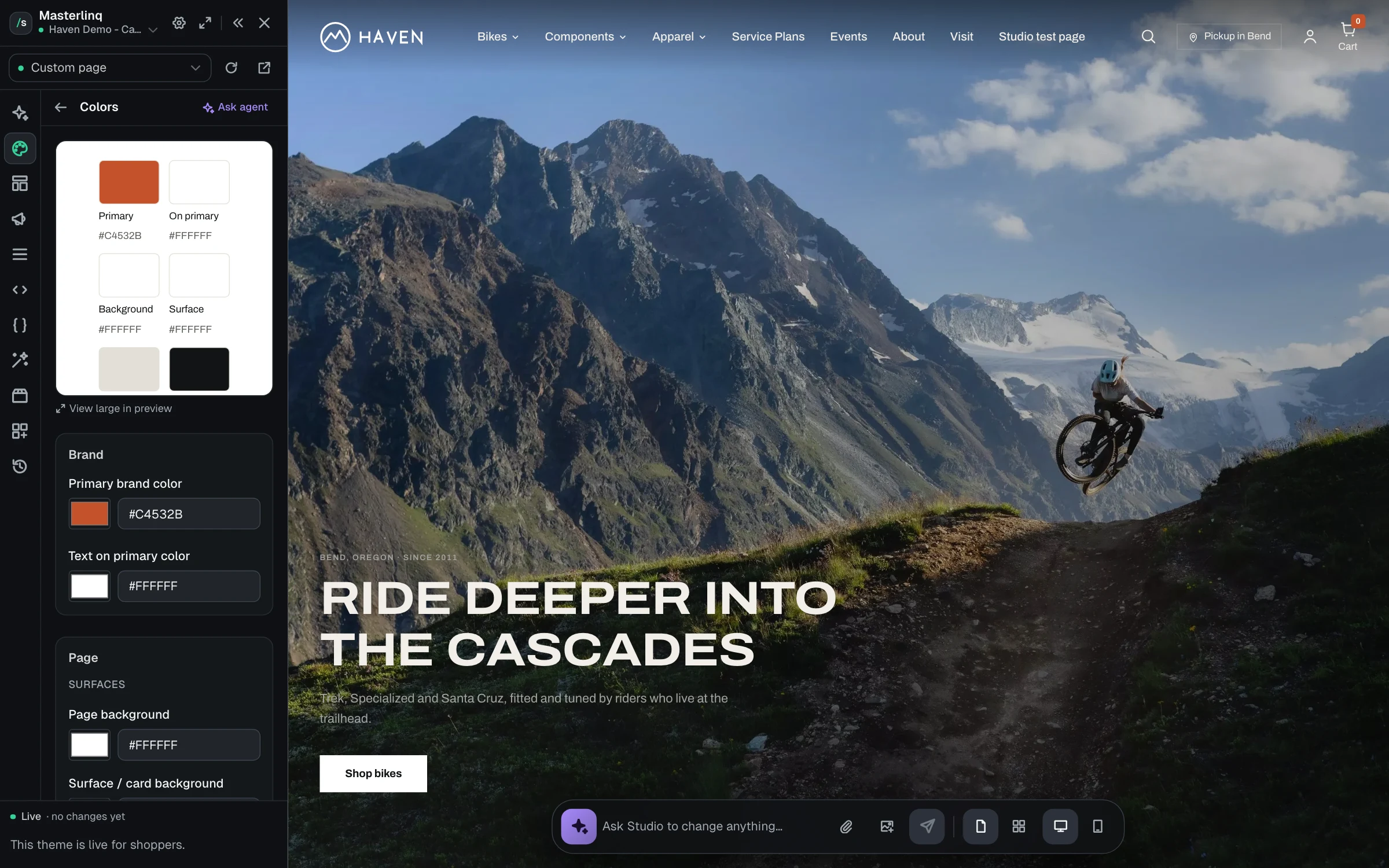
Colors, type, corners and motion live in one place and reach every page.
Built for How Shops Really Work
The tools a bike shop needs to make a storefront its own, and keep it that way.
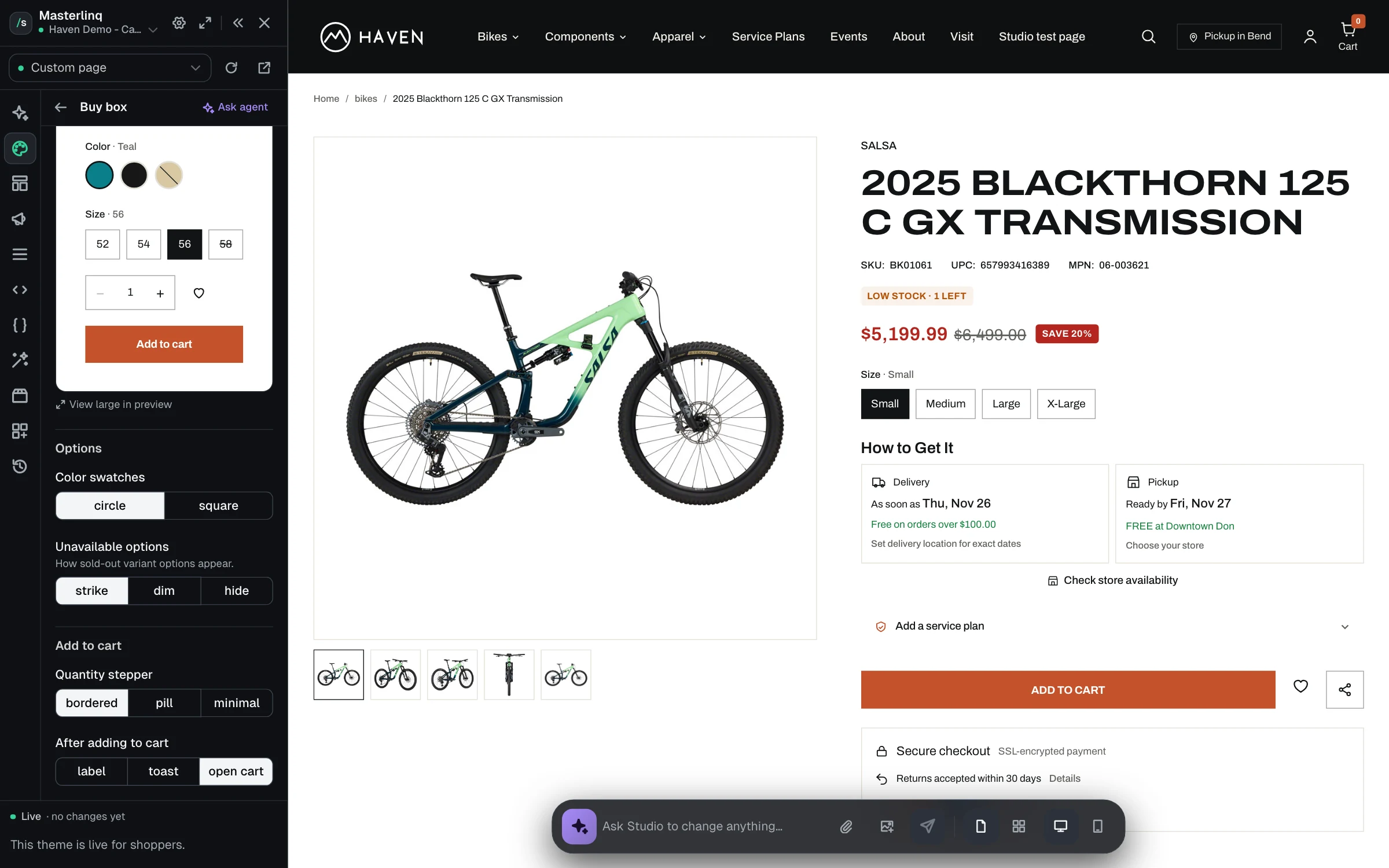
Change How It Works
Not just how it looks.
Every element has real settings for how it behaves, from the buy box to the mega menu. When you want something the settings don’t cover, ask the agent or open the code.
- Reorder or hide product page blocks
- Sticky buy box and open cart after add
- Mega menus, announcement bars and filters
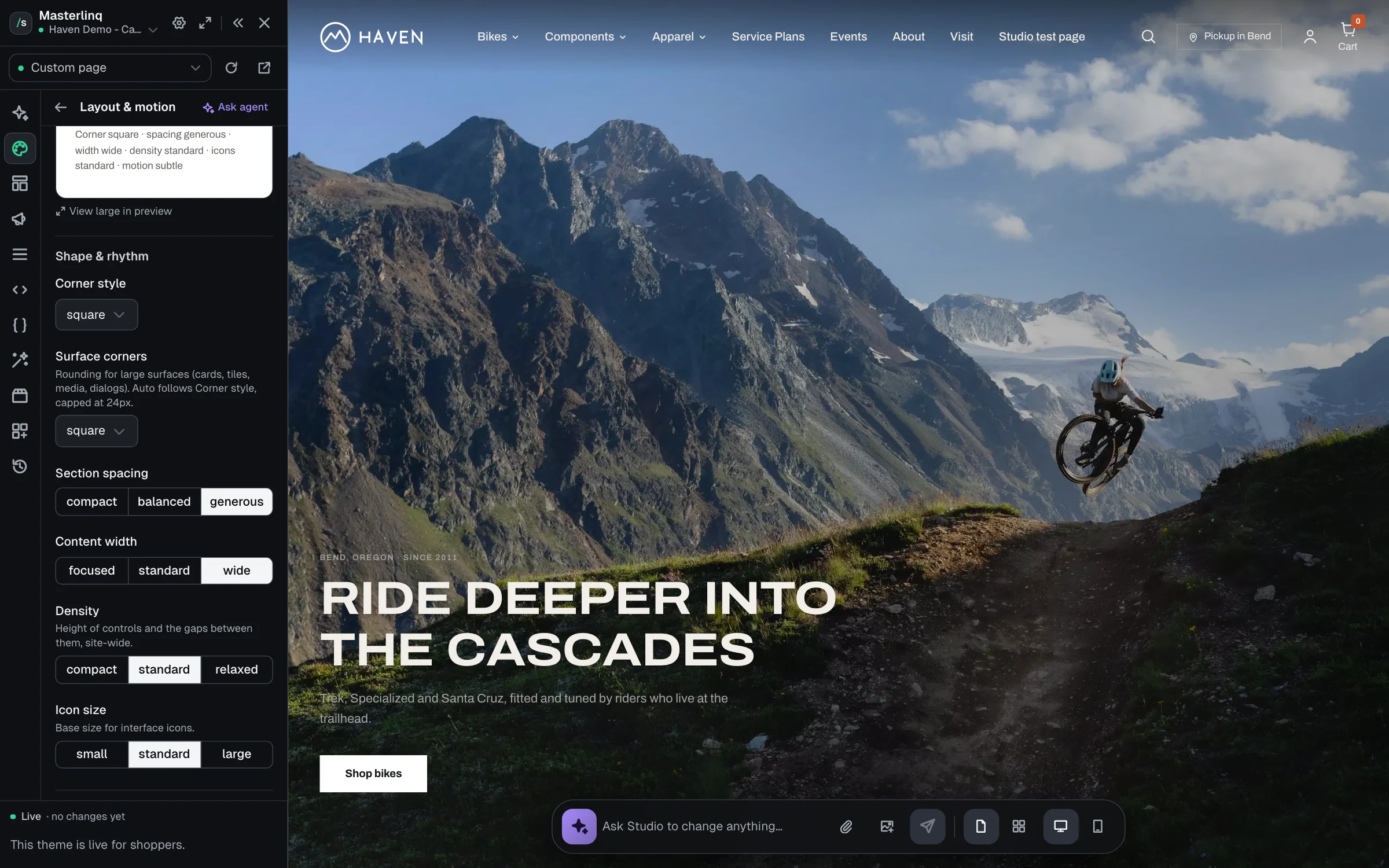
Motion That Feels Like You
Calm or bold, your call.
Set motion once for the whole site, then pick hero transitions, marquees, parallax and hover effects that fit your brand. Shoppers who ask for less motion get less.
- Reduced, subtle or expressive motion
- Fade, parallax and slide hero transitions
- Marquees that pause on hover
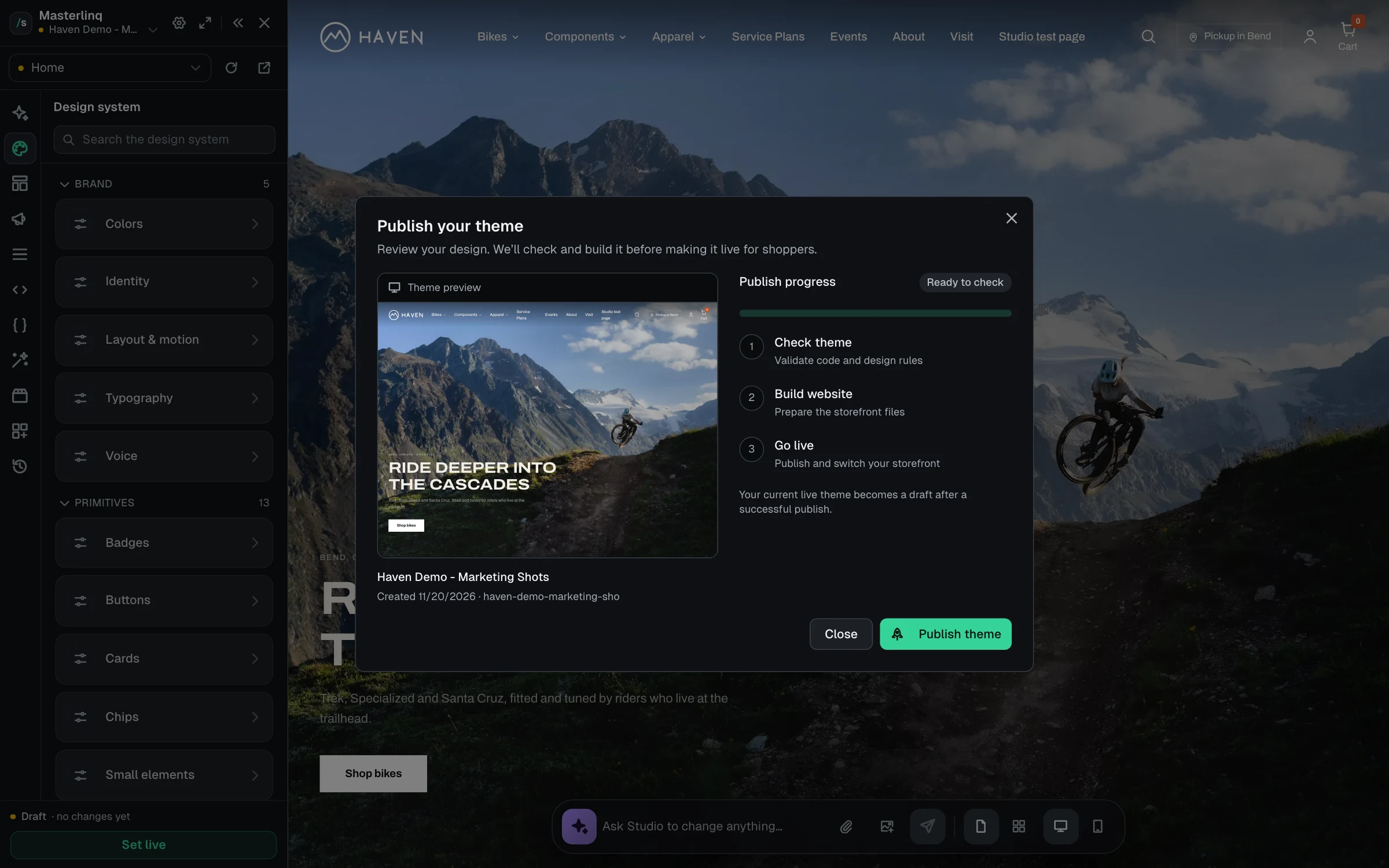
Share It, Then Go Live
No surprises on launch day.
Send a private preview link to your team before anything goes live. When it’s ready, Studio checks the theme, builds the site and swaps it in. Your old theme stays as a draft.
- Private preview links that expire
- Check, build and go live in one step
- Section versions for sales weekends

Beautiful and Built to Sell
However far you take the design, every Studio theme runs on Storefront. Pages render on the server for search engines, products carry structured data, and shoppers always see what they need to buy: which store has their size, when they can pick it up, and the specs and geometry that close the sale.
Studio is part of Storefront.
Your catalog, inventory, pickup and checkout come with every theme you build.
Also included
More in Studio
Everything else that comes with Studio.
Canvas and editing
- Page and canvas views
- Click anything on the page to edit it
- Desktop and mobile preview
- Browse mode to click through like a shopper
Agent
- Writes new sections and components
- Asks questions when it needs to
- Works from screenshots you attach
- Remembers your shop's preferences
Design system
- Color roles for every surface
- Type roles from display to label
- Corners, spacing and content width
- Named looks for heroes, cards and footers
Behavior
- Product page block order
- Store availability and pickup cards
- Mega menu and announcement bar settings
- Code editor for anything else
Motion
- Site-wide motion setting
- Hero slide transitions
- Marquee and parallax
- Respects reduced motion
Publishing
- Start from your current site
- Drafts until you save
- Every change can be reverted
- Private preview links
- Section versions on a schedule
Ready to see your shop in Studio?
Schedule a demo and we’ll show you what Studio can build for your shop.